
What is in the planner, and how it works
Most couples have never planned a wedding before, so the planner comes with a full plan already in place. The calendar and checklists show what needs doing and when, and you can add or remove anything.
Every film and picture on this page is the real planner with its sample wedding, Emma and James. Nothing here is a mock-up, and you can open the same sample yourself.
Calendar
Your calendar starts with a full plan already in place: every milestone and payment a wedding needs, month by month, with a count of the days to go. You know what is coming without having to think about it, and you can add or remove anything.
- Drag a card left or right to change its date
- Tick a card when it is done
- Overdue items and the next 30 days are colour coded
- Payments from the budget appear here by themselves
Checklists
Every task a wedding needs is already written, grouped in stages and dated back from your wedding day, so nothing is forgotten. Keep what suits you, or start from a blank planner.
- Work through one stage at a time, or see every task in the All view
- Star a task and it appears on the calendar
- Add a note or a due date to any task
- Rename, reorder, add or remove stages
Budget tracker
Your budget tracker keeps a cost sheet by category next to a payment schedule. Set a target, fill in what things cost, and add each payment with its due date.
- Totals for planned, paid so far and still to pay
- The next payment and its date, always in view
- Paid amounts add up against each cost
- Works in your own currency
Guests
Everyone you are inviting, with their group, whether they come all day or for the evening, and their reply.
- Track invites sent, replies and dietary needs
- Paste in a whole list of names at once
- Search, or filter by group or reply
- Download the list as a spreadsheet file (CSV)
Notes and gallery
Notes are for every call and visit: who you spoke to, what you agreed, and when. “Had a call with the florist: seasonal flowers will keep us inside budget.” The gallery is for any other pictures you want to keep with your plan, in groups.
- Each note has a date and a "with" line
- Gallery images are kept on your device
- Notes and images travel with your backup file
Made yours, and kept private
Your names, date and monogram are on every page, in the colours you like and your own currency. The whole plan is stored on your own device. There is no account, and one backup file moves it to another device or brings it back.
- The whole planner changes colour with you
- Opens without a connection once it is on your Home Screen
- A sample wedding to explore before you start your own
Two optional features
Add either one from inside the planner, whenever you want it. The planner works fully without them.
Optional feature
Your interactive seating plan
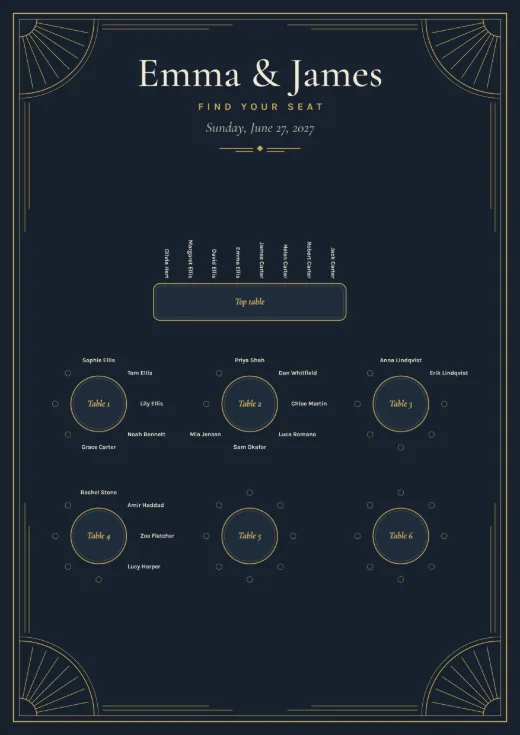
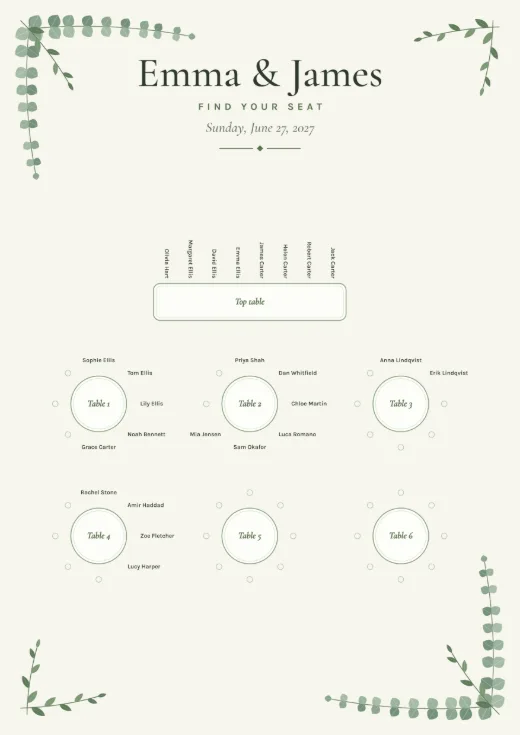
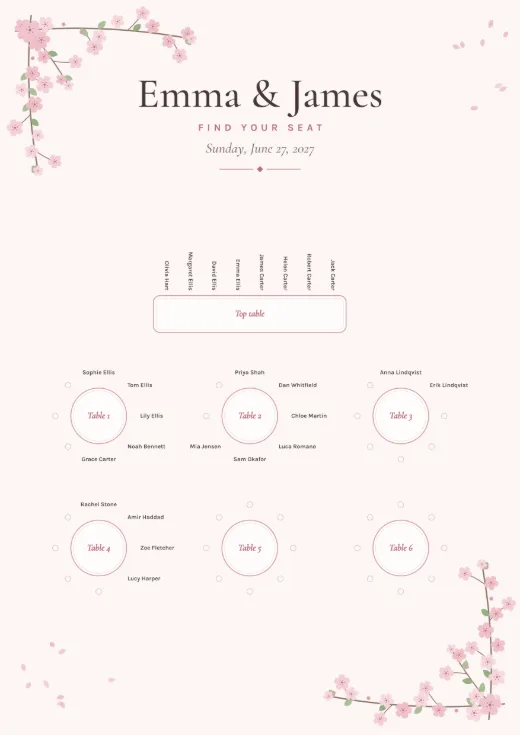
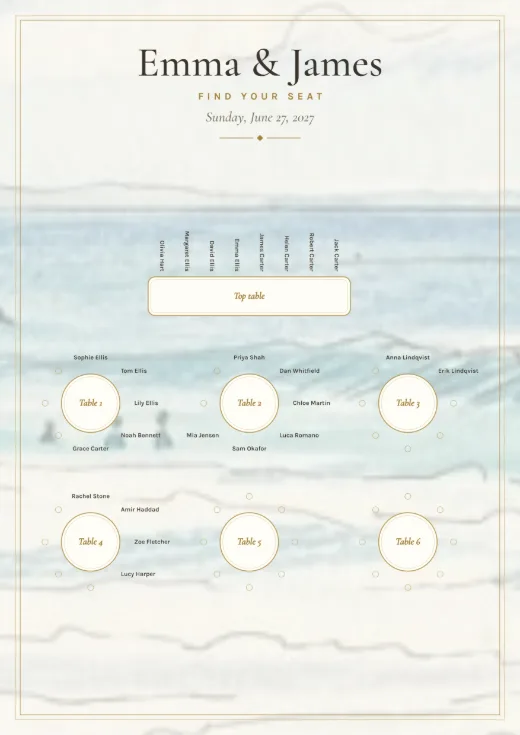
Your guest list is ready to seat. Add tables, give them names, move them around the room and give every guest a place. Then print the chart in high resolution, even large on canvas.
- Round, oval, square and rectangle tables, each with its own number of seats
- Click a table's name to rename it
- Drag guests to seats, or tap a name and then a seat
- Printable seating charts in 17 themes
- Your own photo behind the chart, and sizes up to A1
- £25, one-off add-on
Optional feature
Your personalised save the date
A page of your own that guests open on their phone. They press the seal and it melts into gold dust and little hearts, then the envelope opens on a card with your names and date, with small stars and hearts drifting round it. Your story follows in photos along a gold line, and an RSVP closes the page.
- Choose the envelope colour, the seal and its wax, the heading design, the lettering and the wording
- Add your own pictures and the steps of your story
- The preview follows as you type
- Guests reply on the page, and their answers come back into your guest list
- £65, one-off add-on, online for 12 months
Free to design. You pay when you publish, and publishing is not open yet.
-

Six envelope colours, twelve seals and fourteen waxes
-

Eight heading designs and four kinds of lettering
-
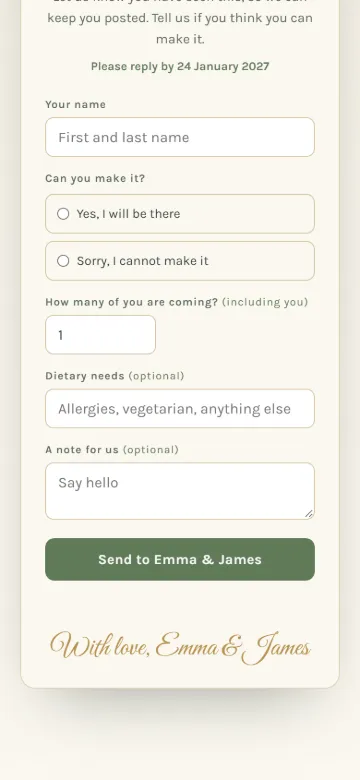
Replies come straight back into your guest list
How it works
-
Try the sample wedding
Open the planner and choose the sample. It is free, and you can change anything in it.
-
Buy once
£45, one payment, no subscription. Checkout opens soon.
-
Add it to your Home Screen
Open your link. On a phone, add it to your Home Screen. On a computer, install it from the browser. It then opens like an app and works offline.
-
Plan
Start from the suggested plan or a blank planner, and save a backup file now and then.